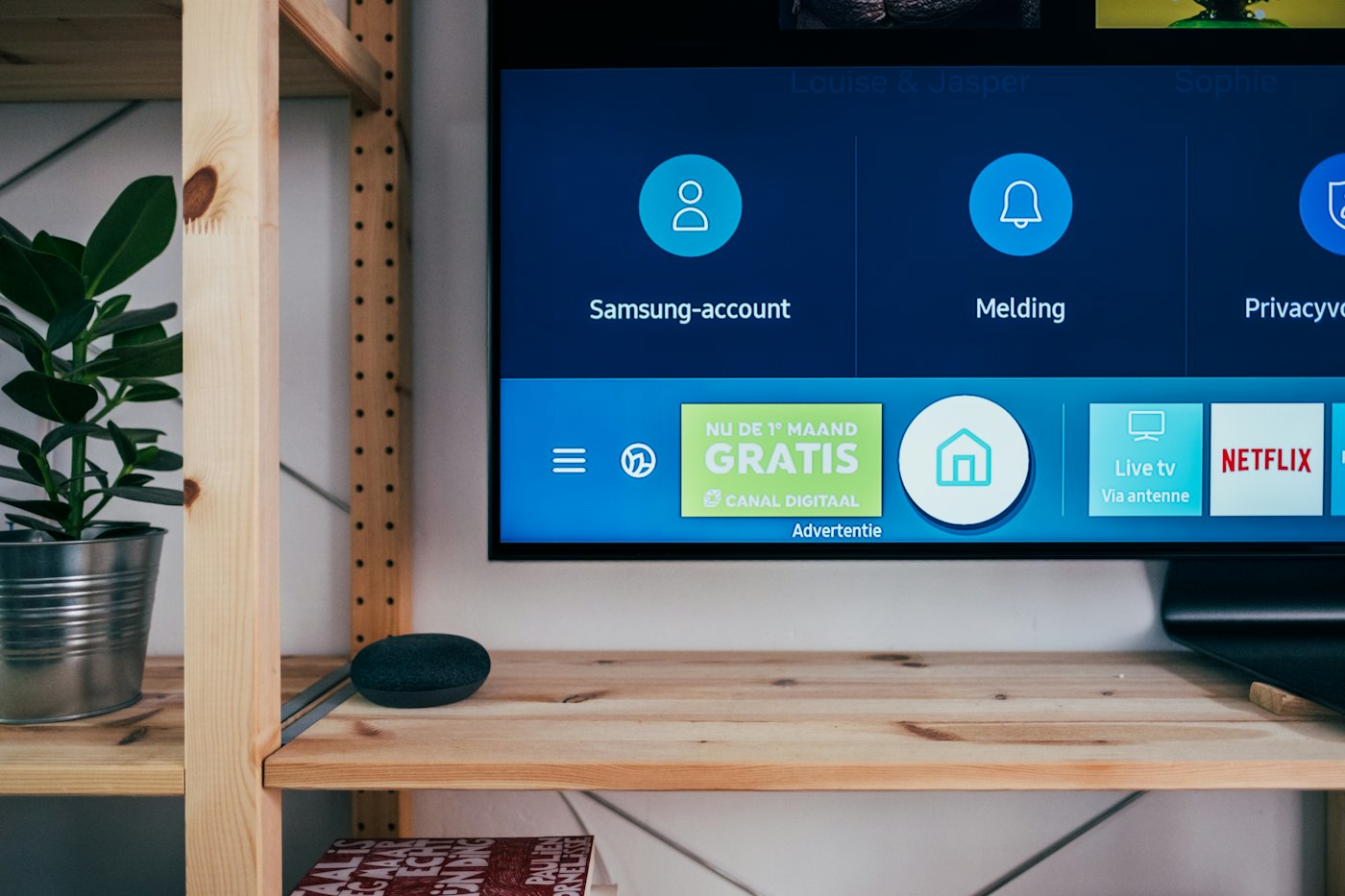
Is Samsung TV a good device for IPTV?
A Samsung Smart TV runs IPTV without any extra hardware, which is its main appeal — no stick, no box, no second remote. The catch is the activation model. Several of the Tizen players are free to install but require a one-time activation payment tied to your television's MAC address, and you upload your playlist through a web page rather than typing it into the TV. It is a fiddlier first run than any other platform here, but once it is done the experience is clean and the TV remote handles everything.
Hardware limits worth knowing
Tizen televisions have modest processing compared to a dedicated streaming box, and it shows in channel-switching speed rather than picture quality — expect a slightly longer pause when moving between channels than you would get on an Android box. Picture quality itself is excellent, since the panel and its processing are doing the work. Larger playlists load more slowly than on dedicated hardware, so trimming unused categories is worth doing.
How to set up IPTV on Samsung Smart TV
Install from the Samsung app store, then activate the app — about 6–10 minutes from start to first channel.
Install a player from the Samsung app store
Open Apps on your Samsung TV and search for Smart IPTV, Set IPTV or IPTV Smarters. Install whichever your subscription provider recommends, since some services supply playlists in a format one app handles better.
Note your TV's MAC address
Open the app — it displays the MAC address of the television on first launch. You can also find it under Settings, Support, About This TV. Write it down exactly.
Upload your playlist on the app's website
On a phone or computer, go to the app maker's site, enter the MAC address, and paste your M3U playlist URL. This is where the one-time activation fee is paid if the app requires one.
Reload the app on the TV
Close and reopen the app on the television. Your channel list downloads automatically and the programme guide populates shortly after. From here everything is controlled with the normal TV remote.
What is different about Samsung TV
- Most Tizen IPTV players charge a one-time activation fee linked to the TV's MAC address rather than to your account.
- Playlists are usually uploaded through the app maker's website, not typed into the television.
- Your TV's MAC address is under Settings, Support, About This TV — you will need it during activation.
- App availability differs by region and by model year; a 2017 set may not list the same apps as a current one.
- If you replace the television, the activation does not transfer — it is tied to the old MAC address.
Common Samsung TV problems and fixes
The issues that come up specifically on this device.
App says "playlist not found"
The MAC address entered on the website does not match the television. Re-check it under Settings, Support, About This TV — it is easy to confuse similar characters.
Channel switching feels slow
Tizen has less processing headroom than a dedicated box. Hiding unused categories inside the app shortens the list and noticeably speeds up navigation.
The app disappeared after a TV update
Firmware updates occasionally clear sideloaded or region-specific apps. Reinstall from the store — your activation remains tied to the MAC address, so you do not pay twice.
I changed my TV and lost access
Activation is bound to the old MAC address and does not transfer. You will need to activate again on the new set.
Which IPTV services work on Samsung TV
All five services we test connect through standard credentials, so any of them work here.
Samsung TV IPTV — frequently asked questions
Which IPTV app works on Samsung Smart TV?
Smart IPTV, Set IPTV, IPTV Smarters and Flix IPTV are the commonly used Tizen apps. Availability varies by model year and region, so check what your specific television lists.
Why do I have to pay to activate the app?
Several Tizen IPTV players charge a small one-time activation fee tied to your television's MAC address. It is a payment to the app developer, separate from your IPTV subscription.
Do I need a Firestick if I have a Samsung Smart TV?
No, the television can run IPTV on its own. Some people still add a stick because channel switching is faster on dedicated hardware and app choice is wider.
Will IPTV work on an older Samsung TV?
Tizen sets from around 2017 onwards generally work. Older models may not list current apps in the store, in which case a cheap streaming stick is the simpler route.