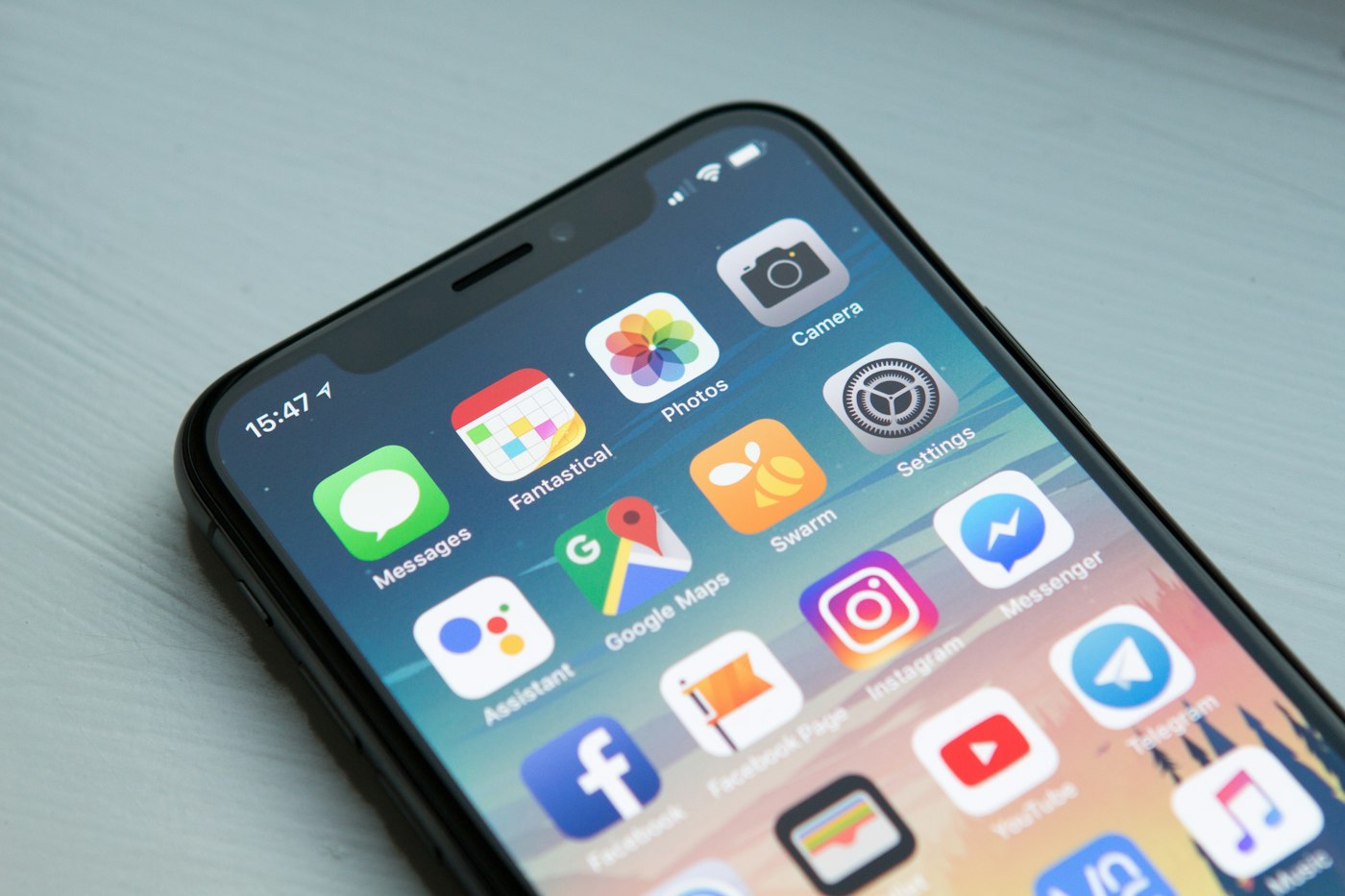
Is iPhone a good device for IPTV?
iOS is the easiest setup on this list and the one most people underrate. The App Store carries several capable players, installation takes a couple of minutes, and there is no sideloading step to worry about. What makes it genuinely useful is portability: the same subscription that runs on your television travels with you, and an iPad on a hotel wi-fi network is often a better viewing experience than the television in the room. AirPlay also turns the phone into a fallback route for any device that will not run a player natively.
Hardware limits worth knowing
Any iPhone or iPad from the last several years has far more capability than IPTV playback requires, so performance questions here are really connection questions. On mobile data, a Full HD stream will consume roughly 1.5 to 3 GB per hour and a 4K stream considerably more, which matters if your plan is capped. On wi-fi none of that applies. Battery is the practical limit for long viewing — an hour of video is a meaningful drain on any phone.
How to set up IPTV on iPhone & iPad
App Store only — about 2–3 minutes from start to first channel.
Install a player from the App Store
Search the App Store for IPTV Smarters Pro or GSE Smart IPTV and install it. Both are free and neither requires any configuration before first launch.
Add your subscription
Open the app, choose to add a user or playlist, and enter your Xtream Codes credentials or paste the M3U URL. Pasting from an email or note is much faster than typing.
Load channels and set the guide
Let the channel list and programme guide download, then set your time zone in the app settings so listings match your local schedule.
Optional — send it to the TV
If you want the picture on a larger screen, use AirPlay from Control Centre to an Apple TV or a compatible television. Playback continues as long as the phone stays awake and connected.
What is different about iPhone
- Pasting a long server URL is far easier here than on any television — set the subscription up on the phone first to confirm the credentials work.
- AirPlay lets the phone act as a source for an Apple TV or a compatible television, which is a useful fallback.
- Streaming on mobile data uses roughly 1.5 to 3 GB per hour at Full HD — check your plan before a long session.
- iOS suspends background audio and video for some players when you switch apps; picture-in-picture support varies by app.
- App Store players update automatically, so you avoid the manual reinstall cycle of sideloaded platforms.
Common iPhone problems and fixes
The issues that come up specifically on this device.
Playback stops when I leave the app
iOS suspends background video in most players. Keep the app in the foreground, or check whether your player supports picture-in-picture.
Streams eat through my data allowance
Full HD runs roughly 1.5 to 3 GB per hour. Drop to a lower quality variant on mobile data, or restrict viewing to wi-fi.
AirPlay picture is choppy
The bottleneck is the wi-fi link between phone and television rather than the stream. Move closer to the router and use the 5 GHz band.
Channel list will not load
Confirm the credentials by logging in on a second device. If they work elsewhere, delete and re-add the playlist in the app rather than reinstalling it.
Which IPTV services work on iPhone
All five services we test connect through standard credentials, so any of them work here.
iPhone IPTV — frequently asked questions
What is the best IPTV app for iPhone?
IPTV Smarters Pro and GSE Smart IPTV are the two most used on iOS. Both are free from the App Store and both accept Xtream Codes credentials or an M3U URL.
Can I watch IPTV on iPhone using mobile data?
Yes, but a Full HD stream uses roughly 1.5 to 3 GB per hour. On a capped plan, drop to a lower quality option or keep viewing on wi-fi.
Can I send IPTV from my iPhone to a TV?
Yes, through AirPlay to an Apple TV or a compatible television. This is also the standard workaround for devices with no native player of their own.
Is the setup different on iPad?
No — the same apps and the same steps. An iPad is often the more comfortable option for extended viewing simply because of the larger screen and battery.