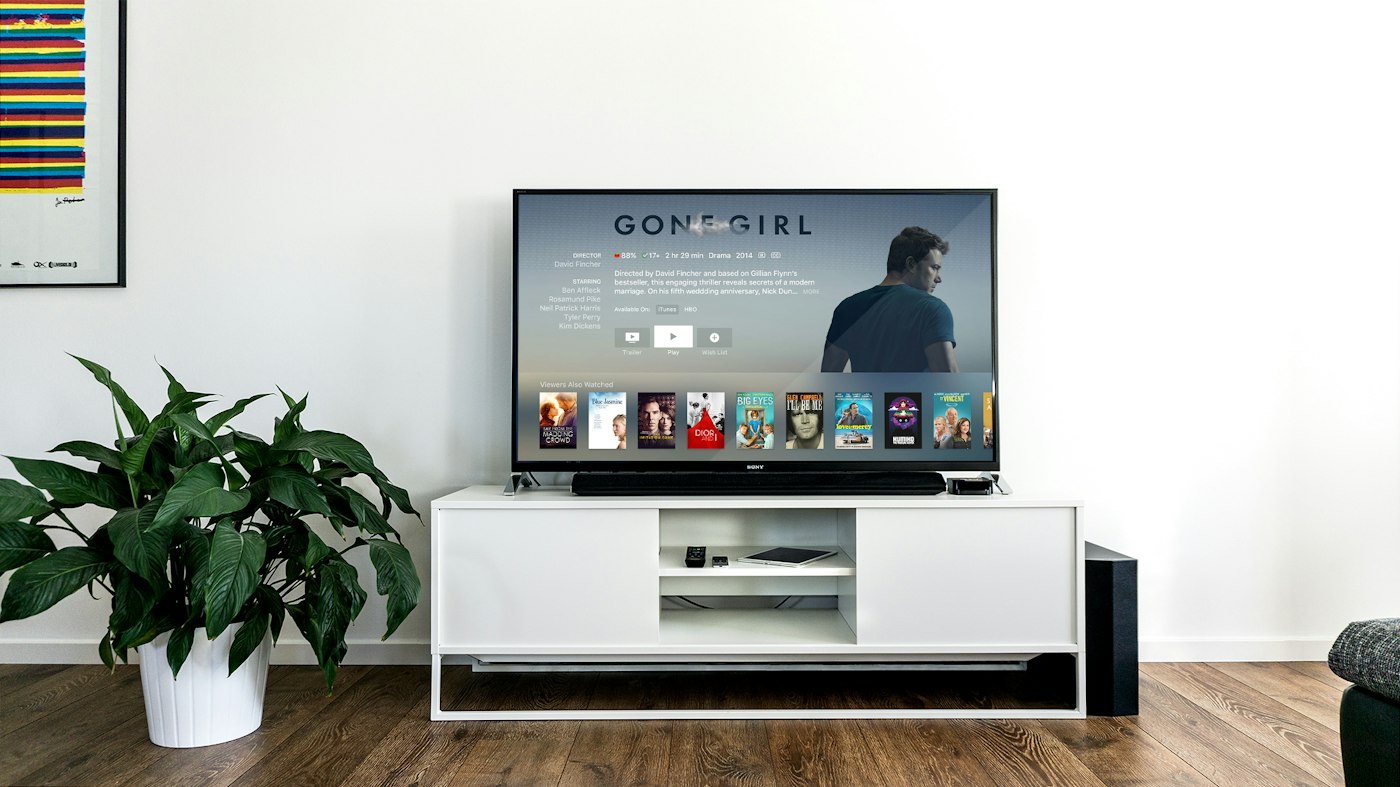
Is Android TV a good device for IPTV?
Android TV is the most comfortable platform for IPTV, and it is the one we would recommend to anyone buying new hardware specifically for it. Unlike a Firestick it usually has enough memory to hold a very large channel list without pausing, and unlike Apple TV or Roku it accepts the full range of players. An NVIDIA Shield is the strongest device we tested for fast-motion content; a Chromecast with Google TV covers the same ground for far less money with slightly less headroom.
Hardware limits worth knowing
The gap between a cheap Android box and a Shield is most visible in two places: how long a large playlist takes to load, and whether the picture holds together during rapid motion. Budget boxes with 1 GB of RAM will run a player fine but start to stumble once a playlist passes several thousand channels. If you are choosing hardware, 2 GB of RAM is the practical floor and 3 GB or more gives you room for a full guide plus catch-up browsing. Most Android TV devices also have a full-size ethernet port, which removes wi-fi as a variable entirely.
How to set up IPTV on Android TV & Google TV
Install from Google Play, or sideload if unavailable — about 3–5 minutes from start to first channel.
Open Google Play on the device
From the home screen, open the Play Store and search for your chosen player. IPTV Smarters Pro and TiviMate are both listed on most Android TV devices.
Install the player
Install directly from the store. If your specific device does not list the app, enable installation from unknown sources under Settings, Security, then use a downloader app to fetch the APK instead.
Add your subscription
Open the player and add a playlist. Xtream Codes login is the simplest option; an M3U URL works equally well if that is what your subscription supplied.
Set up the guide and start watching
Let the programme guide download fully before you start browsing — on a large playlist this takes a minute or two the first time and is instant afterwards. Then set your time zone in the player so the guide lines up with your local schedule.
What is different about Android TV
- Google Play carries several IPTV players directly, so sideloading is often unnecessary — check the store before reaching for a downloader.
- TiviMate is Android-only, which is a genuine reason to prefer this platform if you want the best programme guide available.
- Google TV and classic Android TV have different home screens but the same app compatibility — a player that works on one works on the other.
- Most boxes support external storage over USB, so a large recording buffer is possible in a way it is not on a Firestick.
- Some manufacturer skins hide the sideloading permission under Security instead of Developer Options.
Common Android TV problems and fixes
The issues that come up specifically on this device.
App is not in the Play Store on my device
Store availability varies by manufacturer and region. Enable unknown sources under Settings, Security, then install the APK through a downloader — the app itself is identical.
Guide shows the wrong times
This is a player setting, not a provider fault. Set the time zone explicitly inside the player rather than relying on the system default.
Picture softens during fast motion
On budget boxes this is a decoding limit. Drop the stream to a lower quality variant if the service offers one, or move to hardware with more headroom.
Playback stops when the screen saver kicks in
Some manufacturer skins suspend background apps aggressively. Disable the screen saver or add the player to the exempt list in battery or power settings.
Which IPTV services work on Android TV
All five services we test connect through standard credentials, so any of them work here.
Android TV IPTV — frequently asked questions
Which Android TV device is best for IPTV?
An NVIDIA Shield has the most processing headroom and coped best with fast-motion content in our testing. A Chromecast with Google TV is the value pick and handles the same content with slightly less room to spare on very large playlists.
Can I use TiviMate on Android TV?
Yes, and this is the main platform advantage. TiviMate is Android-only and has the best programme guide integration of any player we tested, which makes Android TV the natural home for a live-TV-heavy setup.
Do I need to sideload on Android TV?
Usually not. Most Android TV devices carry the main IPTV players in Google Play directly. Sideloading is only needed when a manufacturer restricts store listings on a particular model.
How much RAM do I need for IPTV on Android TV?
Two gigabytes is the practical floor for a large channel list, and three or more gives comfortable room for the guide plus catch-up browsing. Below that, playback is fine but list loading gets slow.